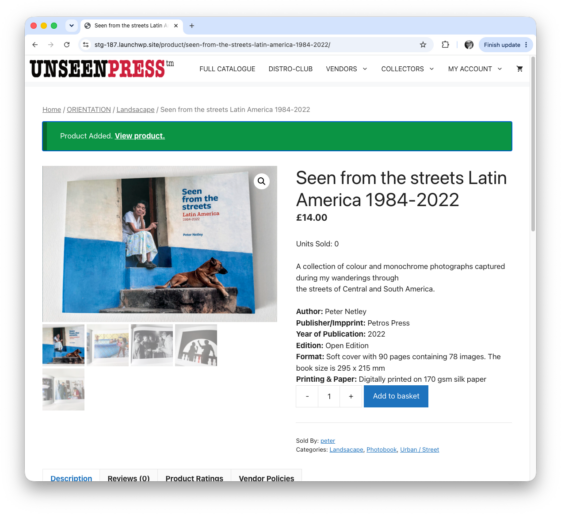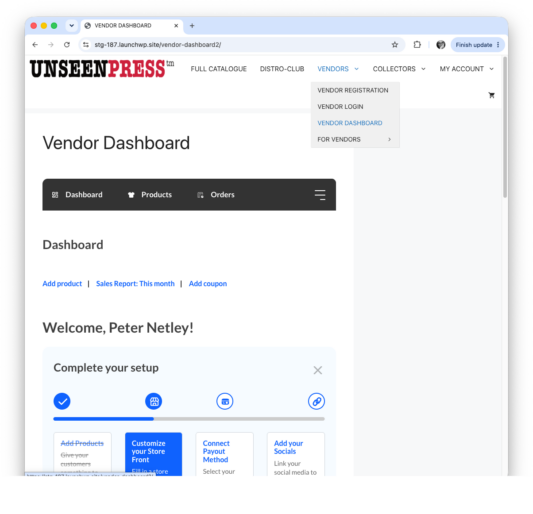
Select VENDORS – VENDOR DASHBOARD
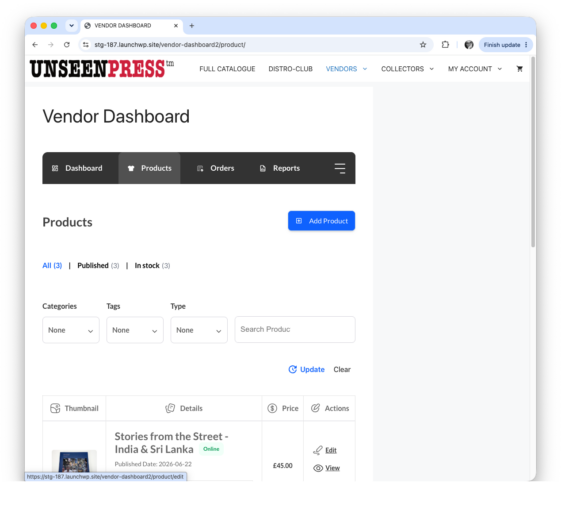
Select Products – Add Product
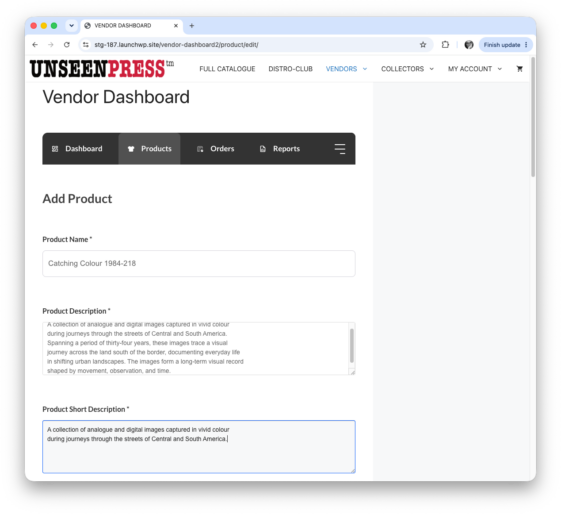
Add the Product Name (Title of book or zine)
Add Product Description (Long description of your book or zine)
Add Product Short Description (Short decription of your book or zine)
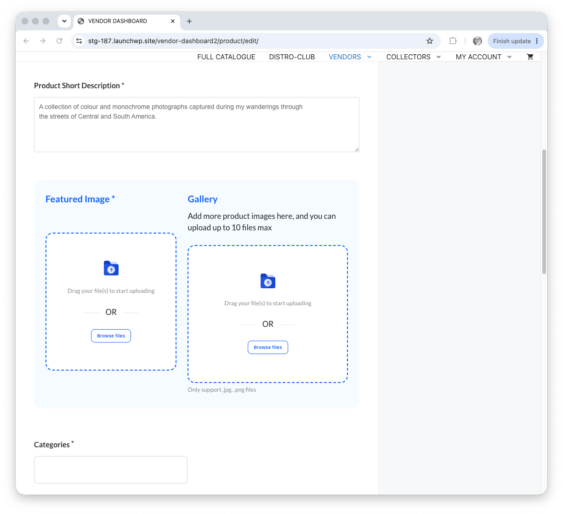
Scroll down to Featured Image and Gallery.
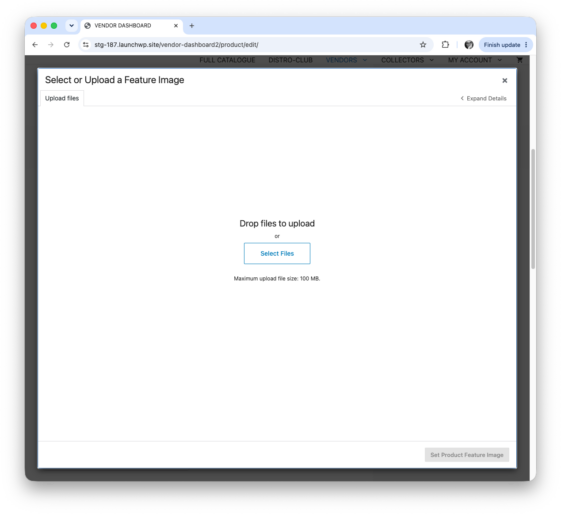
Select the featured image file, or drag image into the featured image box. Minimum size 1020px in height.
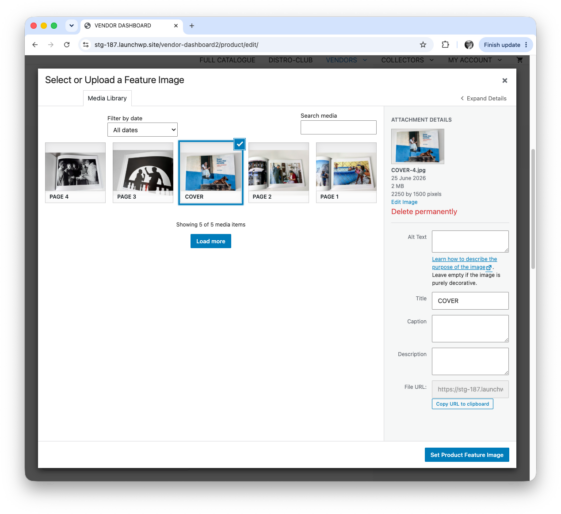
When it has uploaded to your media library, select the image you want to use as the featured image and click on Set Product Featured Image.
Drag images to the Gallery box.
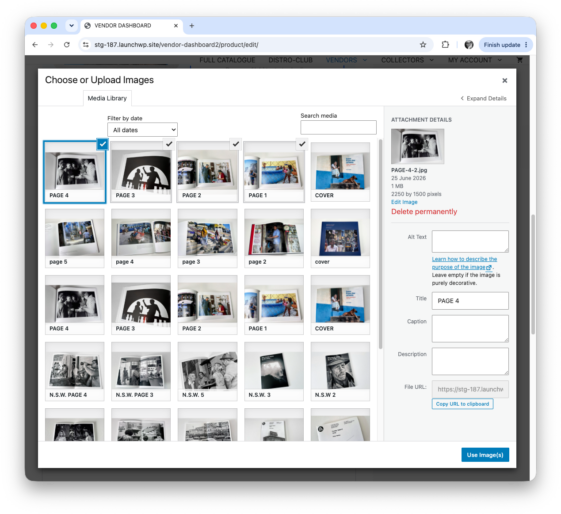
Select files or drag images that are going to be used to show off your book or zine, into the box. Once they have uploaded into your media, select up to nine images to show in the product gallery and click on select.
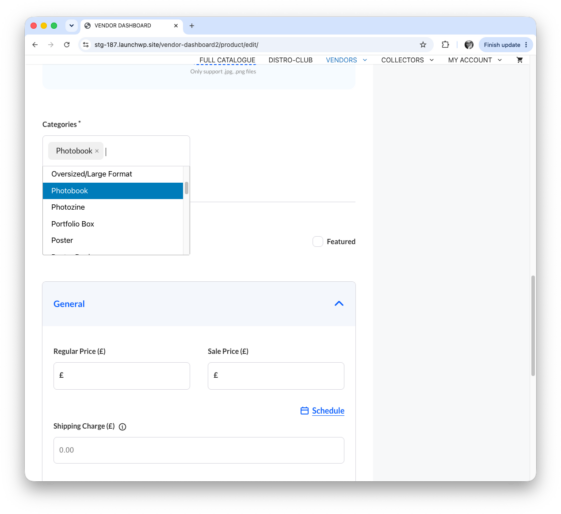
Select categories that are relevant to your book or zine. These categories enable collectors and other buyers to search the full catalogue by categories that interest. They do the equivalent of organising book types into browsable shelves. The categories are organised under the main headings and listed as: FORMAT SHELF- Accordian Photo-book – Broadsheet Newspaper – Miniature Book – Oversized/Large Format – Photobook – Photozine – Portfolio box – Poster – Poster Book – Scroll Book – Tabloid Newspaper. GENRE SHELF – Archive/Found Photography – Conceptual – Documentary – Experimental – Landscape/Place – Narrative/Photo Essay – Photobook as Object – Political/Activist Zines – Urban/Street – Visual Diary. ORIENTATION -Landscape – Oblong – Panorama – Portrait – Square. UNCATEGORISED.
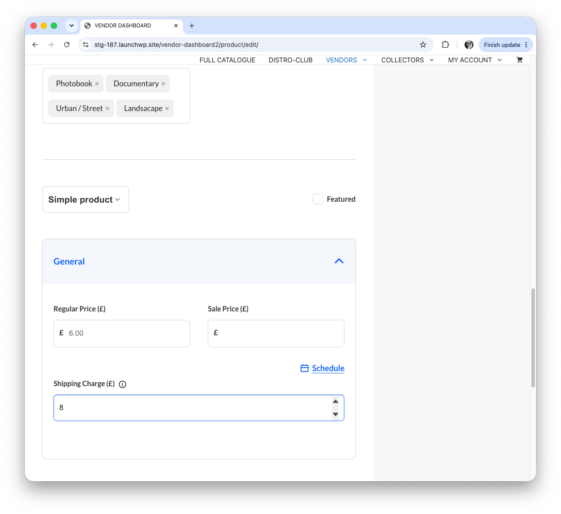
Scroll down, keep the product description Simple product. Tick the featured box if you want this book or zine to be the featured product in your bookshop.
Add the regular price and the price for shipping that uyou have decided on.
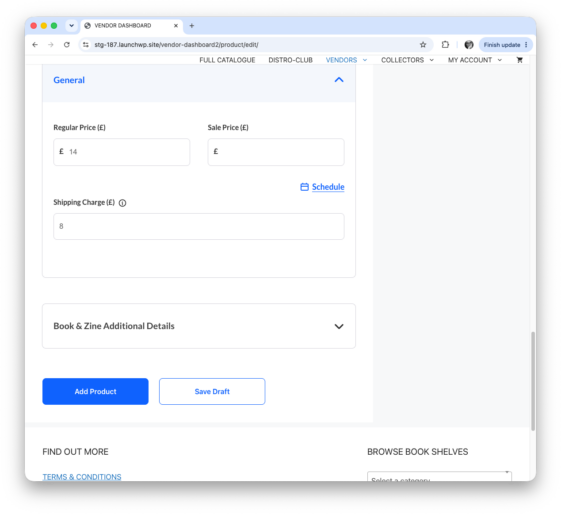
Scroll down to reveal Books & Zines Additional Details.
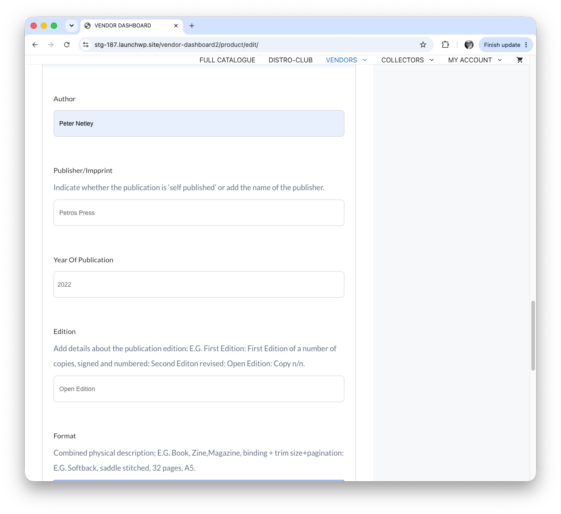
Add additional information, the more detail you add here the more iinformation you are giving potential collectors and buyers.
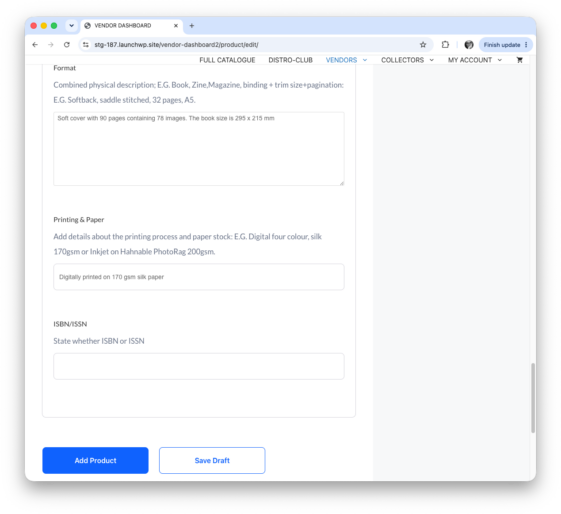
Click on Add Product to add you book or zine to your shop and the general catalogue.